For Teams

Shared intelligence for outreach teams.

Coordinate a whole territory without losing the personal touch. Team workspaces give owners a live view of activity and referrals while every rep works from the same shared intelligence.

Start 15-Day Free Trial Just you? See Solo →

AI-first — working in the background for the whole team

LiaisonIQ enriches new clinics, syncs referral data on a schedule, and delivers daily and weekly summaries — so the whole team stays aligned without anyone babysitting a spreadsheet. A daily AI Territory Agent sweep runs across every account in the workspace, surfacing what changed overnight before anyone opens the app.

See the whole field

Workspace overview for owners

A live view of team visit activity, referral rollups, and rep performance at a glance. Know what's happening across your territory without chasing status updates.
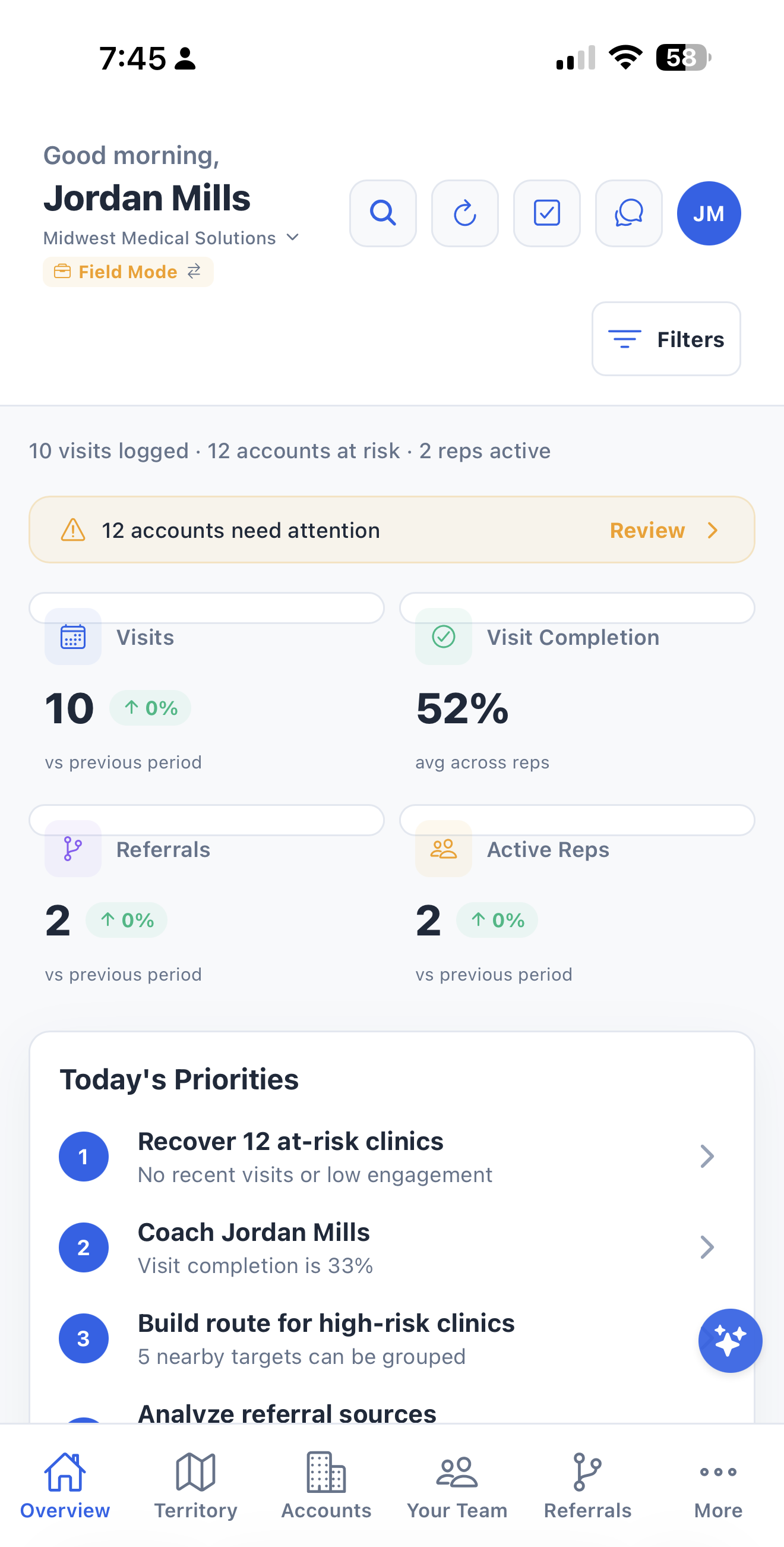
Team owner dashboard in LiaisonIQ
Own your geography

Territory management

Visualize coverage with a territory heatmap, define segments with the territory mapper, and assign sites to individual reps. See gaps in coverage before they become missed opportunities.
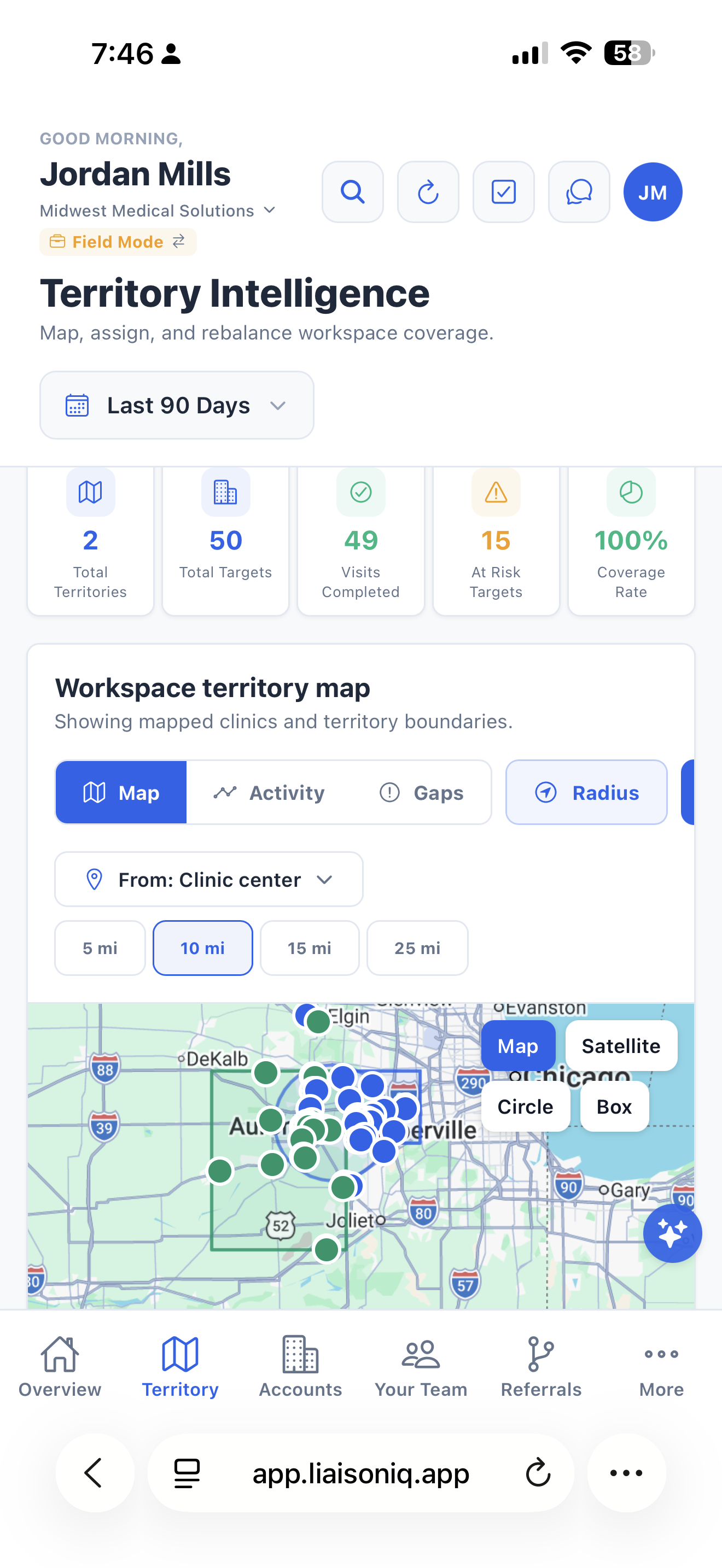
Territory management in LiaisonIQ
One source of truth

Shared clinic & visit context

Owners and reps share one clinic database and activity log — so every rep has full context on a provider's history at every location, even after a hand-off.
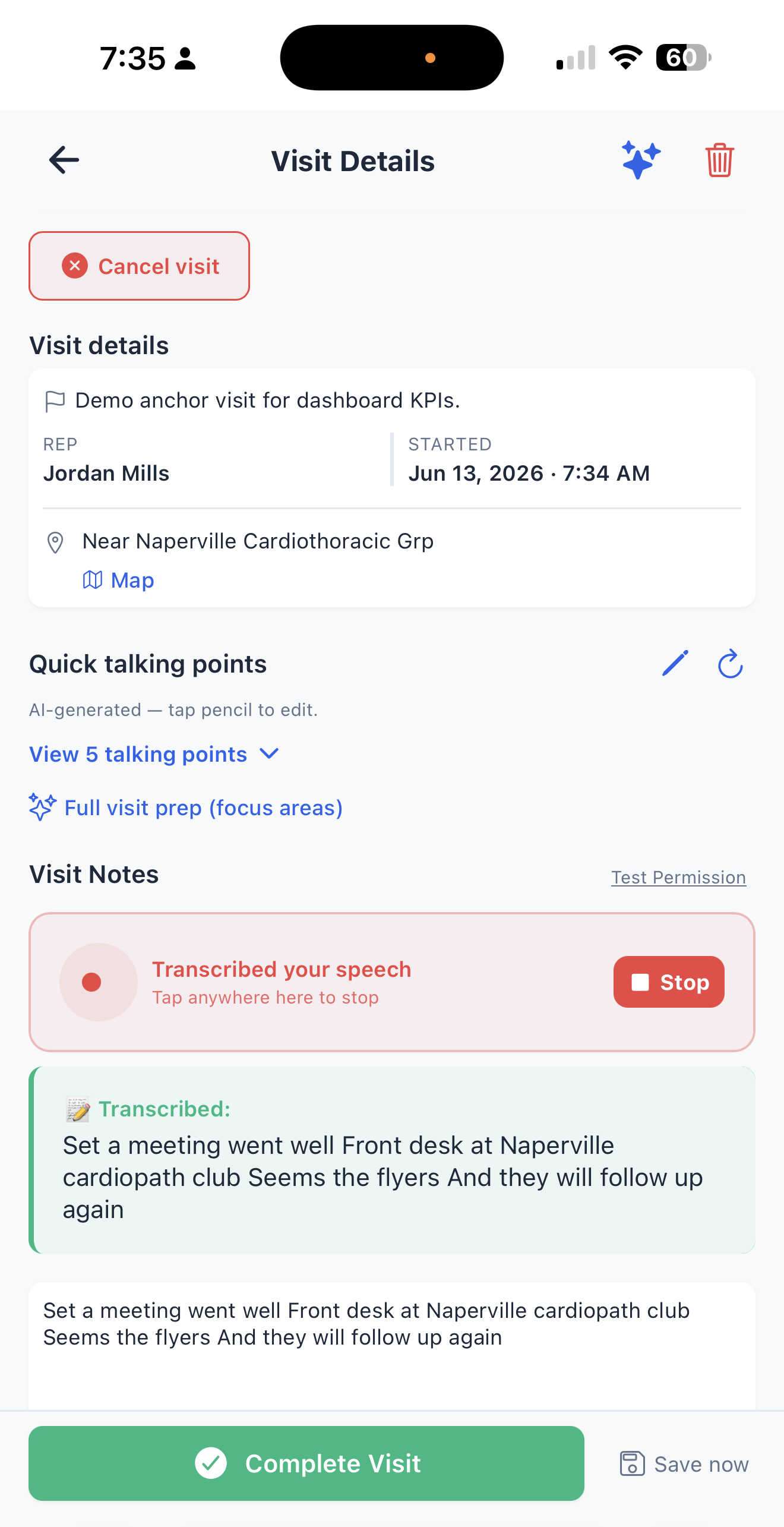
Shared clinic database in LiaisonIQ
Always-on, team-wide

One Territory Agent, watching for the whole team

Every workspace gets a daily AI sweep across Competitor Watch, Relationship Risk, and News & Market — so owners see emerging threats and cooling accounts across every rep's territory in one Opportunity Feed and Activity Timeline, not buried in individual reps' inboxes. Reps can add any finding straight to pipeline or schedule a visit on the spot, while owners get the rollup view across the whole team without asking anyone for a status update.
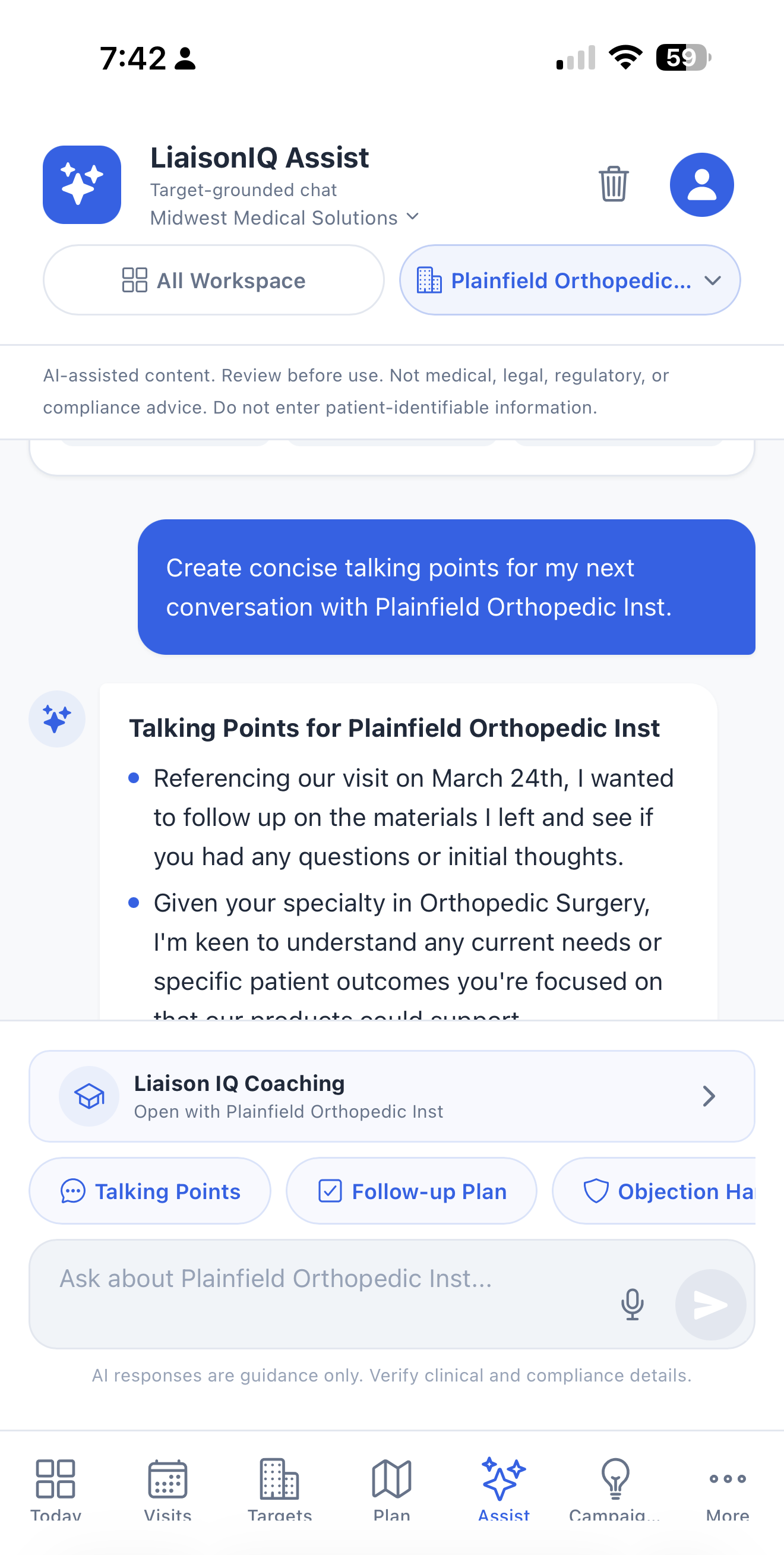
AI Territory Agent opportunity feed in LiaisonIQ
Run the funnel, not just the territory

A real pipeline board for outreach

Filter the pipeline by rep, site, or stage, go full-screen for focused working sessions, and collapse the insights rail whenever you just need the board. Deterministic, rule-based suggestions flag which opportunities and referrals need attention next — no opaque model output, just clear reasons every rep and owner can trust. Pair it with the upgraded Campaigns composer: desktop-grade campaign building, AI-generated email and flyer copy with PDF export, downloadable collateral, and local-events sub-tabs the whole team can coordinate around.
Pipeline board and Campaigns composer in LiaisonIQ

Referral analytics & rollups

Roll up referral activity across the team and attribute it to the visits and outreach that drove it — by practice, provider, territory, and rep.

Integrations & webhooks

Sync referrals to Google Sheets, push events to external systems, and connect to Salesforce or HubSpot through Zapier and Make.com.

Rep field tools

Every team member gets the same solo-grade toolkit — AI visit prep, route planning, voice notes, and quick actions built for life in the field.

Dollar KPIs for leadership

Optionally report $ tied up, $ opportunity value, $ growth, and $ lift across the team using a shared per-referral rate — so leadership sees outreach ROI in the terms they already report on.

Workspace specialty configuration

Set the workspace specialty once and it propagates to everyone — field labels, the practice types target discovery searches for, which of referrals, orders, leads and samples are in play, and the role and clinical focus the AI is briefed with. Fifteen configurations across outpatient, post-acute, pharma and device.

Momentum & at-risk signals

See which accounts moved up and which slid period-over-period, your average days from first visit to first referral, and a ranked short list of practices whose relationship health is degrading — five names a manager can act on before Monday, not a ninety-row report nobody opens.

Competitive intelligence

Map the competitors working your territory, run gap analysis on the zones nobody is covering, pull catchment demographics, and build a profile on a specific competitor before a rep walks into an account they already own.

Whitespace radar

High-volume practices in your territory that nobody on the team has visited, rolled up for owners. The growth number that sits underneath all the retention ones.

Liaison IQ Pro — AI role-play for ramping reps

New hires practice against an in-character practice contact across ten scenarios and three difficulty tiers, then get a debrief scored on opening, objection handling, clinical relevance, confidence, and closing attempt. Managers who can't ride along with every rep can still review the debriefs and see where someone is losing the room.

Migration & EMR referral sync

Bulk-import clinics, visits and referral history from CSV with downloadable templates, then keep referral data current with Google Sheets sync off your EMR export. Rolling a team onto a new tool shouldn't mean abandoning the history that makes it useful.

Feature Directory

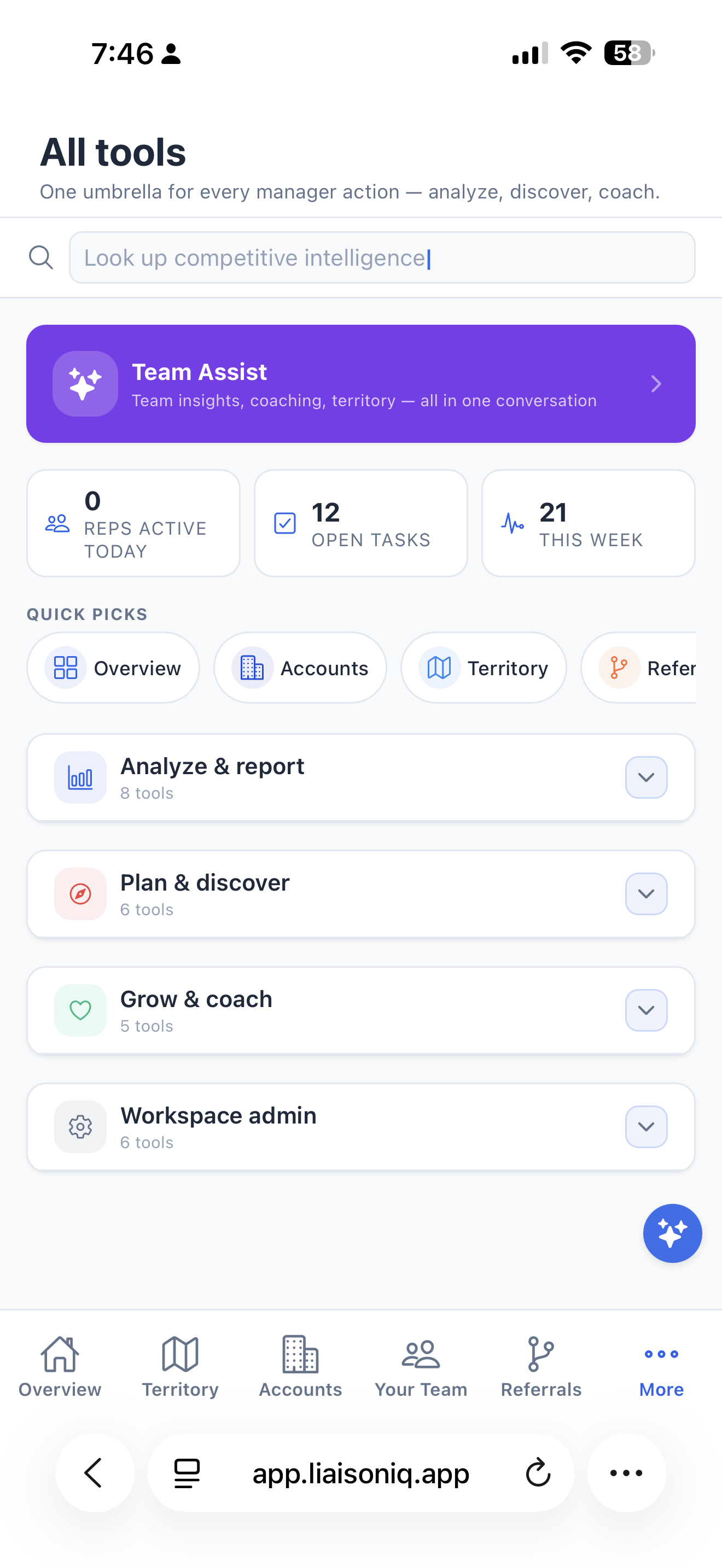
Every team member can browse what LiaisonIQ can do, gated by role, right from the Tools tab — including why a locked feature is locked and exactly what unlocks it.

Roles & permissions

Give everyone exactly the access they need — billing stays centralized with the owner, and co-owners get full admin power without billing responsibility.

Owner

Full workspace admin — manages members, billing, sites, territories, and targets configuration.

Co-Owner

Up to 3 per workspace — full admin rights over members, sites, targets, and team data. Billing stays with the original Owner unless explicitly transferred.

Admin

Team management — invites members and manages roles and site assignments.

Medical Rep

Standard field rep — logs visits, manages clinics, tracks referrals, and uses all AI features.

Light User

Read-only access to team data — view visits, clinics, and reports without editing.

Ownership itself can be transferred to a co-owner at any time via an explicit, confirmed action.

Roll out LiaisonIQ across your team.

Team workspaces are billed centrally via secure web checkout, and member seats are covered by the owner's plan. Start with a 15-day free trial.

Start Free Trial Talk to us